Pick your distractions
Choose the apps that pull you in and set a daily limit. If you like, block only Instagram Reels or YouTube Shorts.
Take your time back.
What Should I Do? suggests something concrete right when you start doomscrolling: call someone, go outside, get back to a project. Free for Android.
Android 10 or newer · No account needed
The problem
One tap on “Open anyway” and you're back in the feed.
The app is closed, but the boredom is still there. So you reach for the next one.
A missing permission or battery optimisation shuts them down, and you only notice the next time you scroll.
How it works
Choose the apps that pull you in and set a daily limit. If you like, block only Instagram Reels or YouTube Shorts.
When you open one of them, What Should I Do? asks: how long? Next to it are ideas for instead, like “Call someone now”.
You do the idea, or you take the time you chose on purpose. Afterwards your blocked apps take a break of the same length.
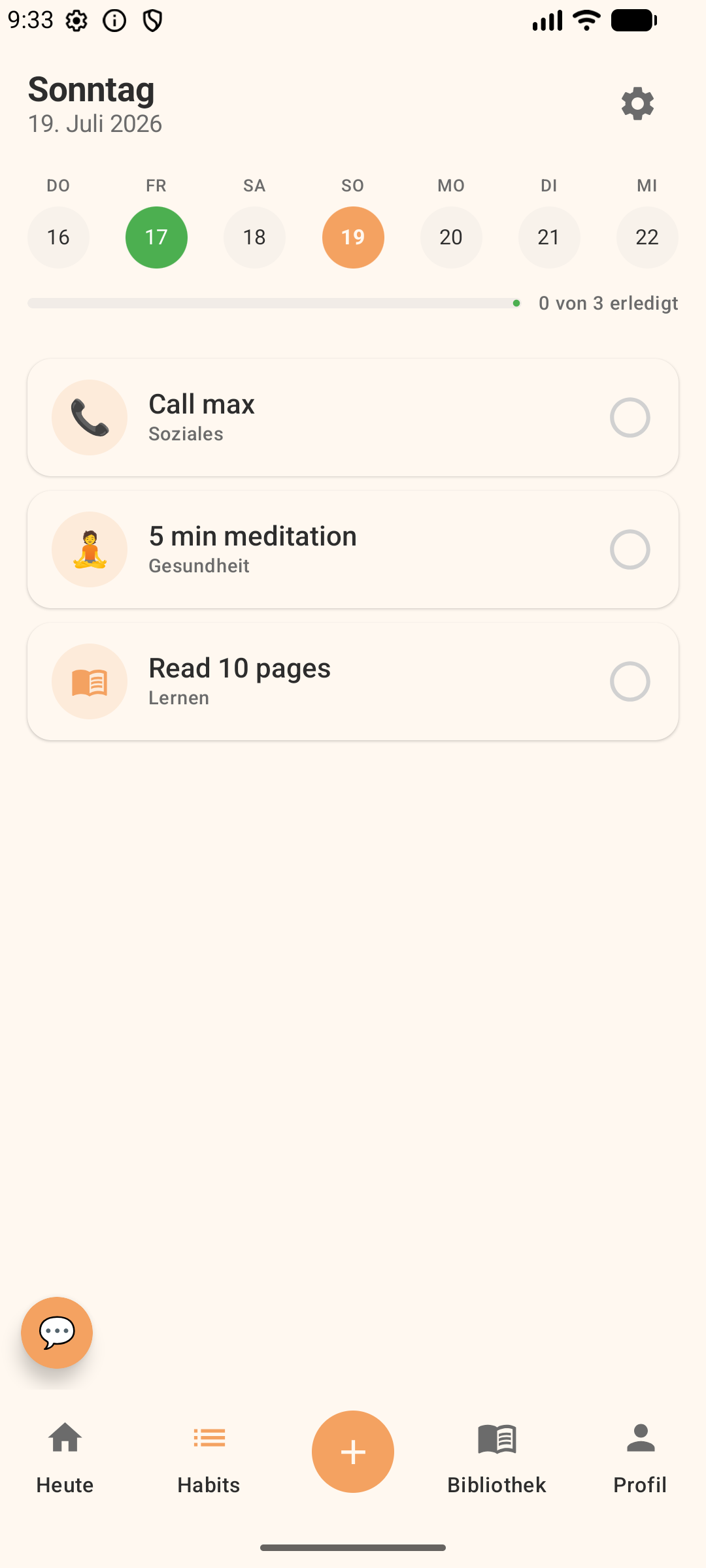
On the Today screen, What Should I Do? can ask about your energy and suggest a task that fits it.
The difference
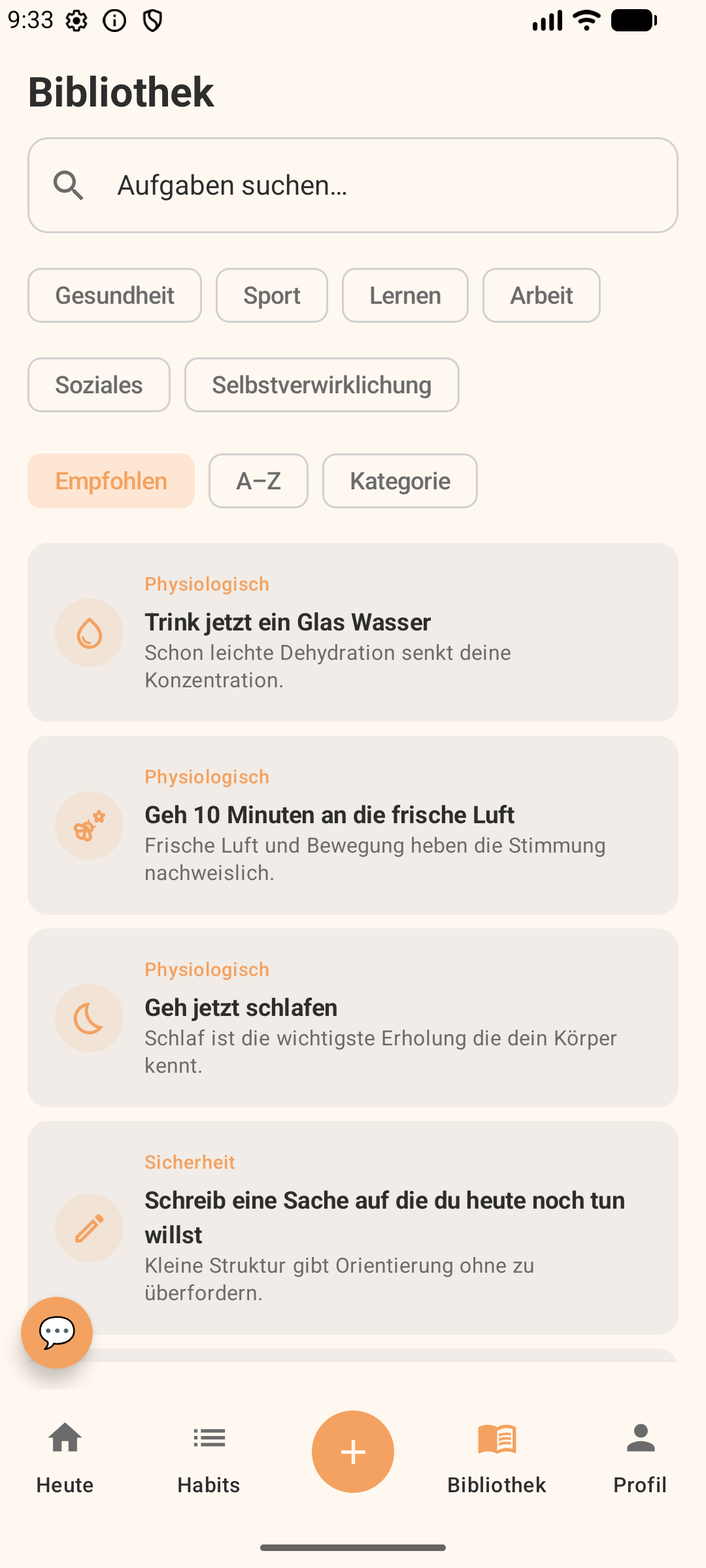
Social
Body
Growth
And if the blocker isn't running, What Should I Do? shows you and tells you what's missing, instead of failing silently.
The app
Questions
What Should I Do? is an Android app against doomscrolling. You decide which apps distract you. When you open one of them, What Should I Do? asks how long you want to use it and shows you ideas for something off the screen.
Yes. What Should I Do? has no in-app purchases, no subscription and no ads.
Yes. You pick the apps yourself and set a daily limit, per app if you like. When you open one, you choose how long you stay; afterwards your blocked apps take a break of the same length. You can also block just Instagram Reels or YouTube Shorts without blocking the whole app.
Your tasks, habits, to-dos and settings stay on your device. There is no account. For usage statistics (PostHog, servers in the EU) and crash reports (Firebase Crashlytics) the app sends limited technical data, never your own text. Details are in the app's privacy policy.
Not yet. An iPhone version is planned. Sign up at the bottom of this page and I'll email you once it exists.
Those apps slow you down before opening or block apps on a schedule. What Should I Do? sets limits too, but in the same moment it suggests something concrete off the screen, like calling someone or going outside.
Build with me
What Should I Do? is a solo project that's growing. As a designer, developer, tester, or just with ideas: get in touch.
Get What Should I Do? for Android.
Got an iPhone? Sign up here.